Assign tasks
Once a task is assigned, every ticket shows who is working on it.
Add the person to the project
Section titled “Add the person to the project”You can only assign tasks to members of the project. If someone is missing, add them like this:
- In the project, open Settings (under More if there are many tabs), then Members.
- Click + Invite and pick the person from your organization.
- Or enter an address under Invite by email, pick the role and click Invite.
If the person is not in your organization yet, invite them first: Invite members.
Assign a task
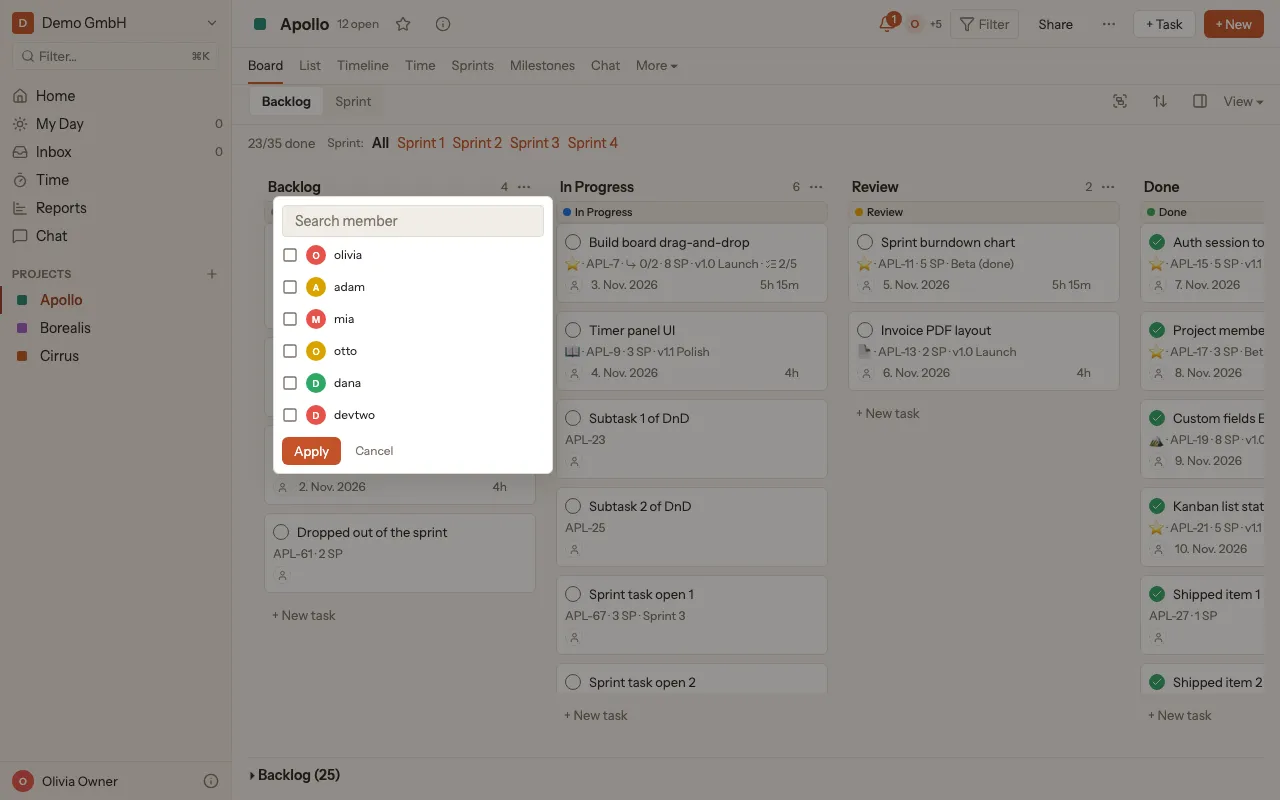
Section titled “Assign a task”- On the ticket, click the person icon, or the pictures of the people already assigned.
- Pick one or more people. Search member helps you find them faster.
- Click Apply.