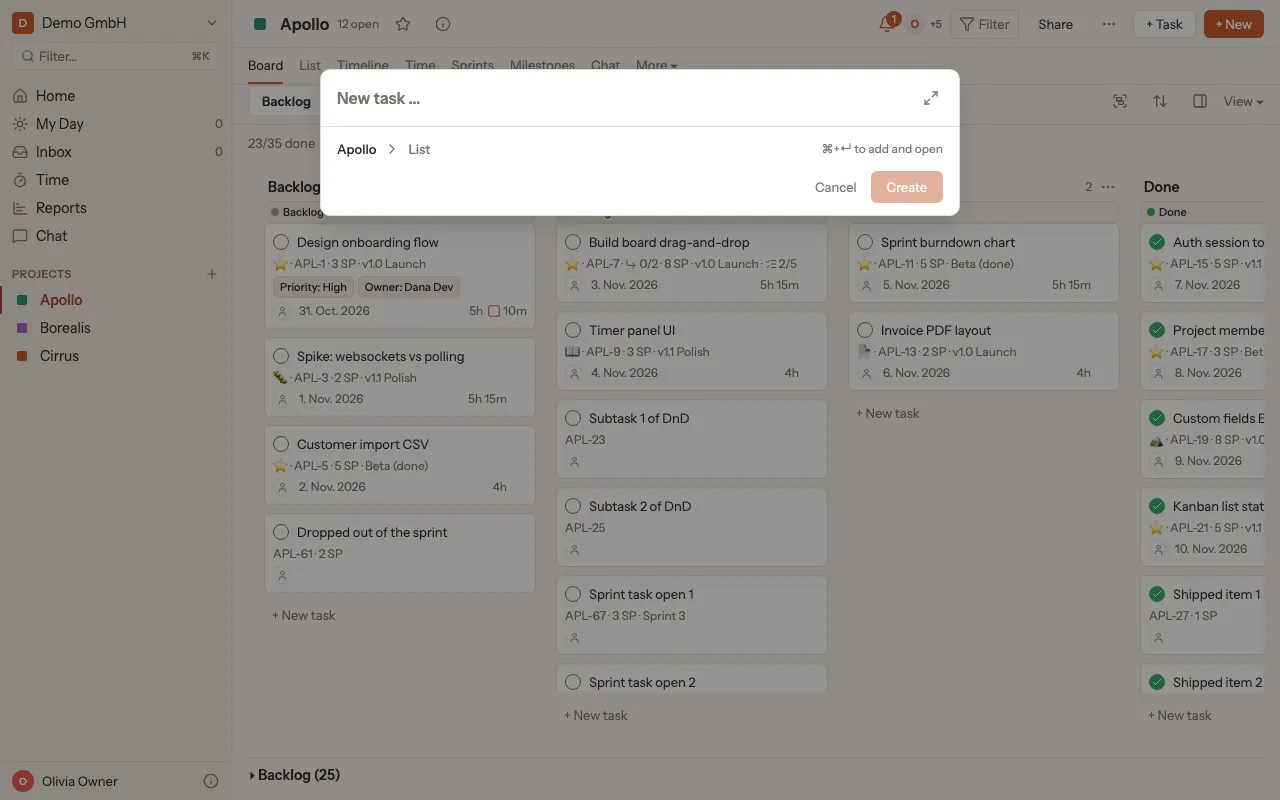
Add a task
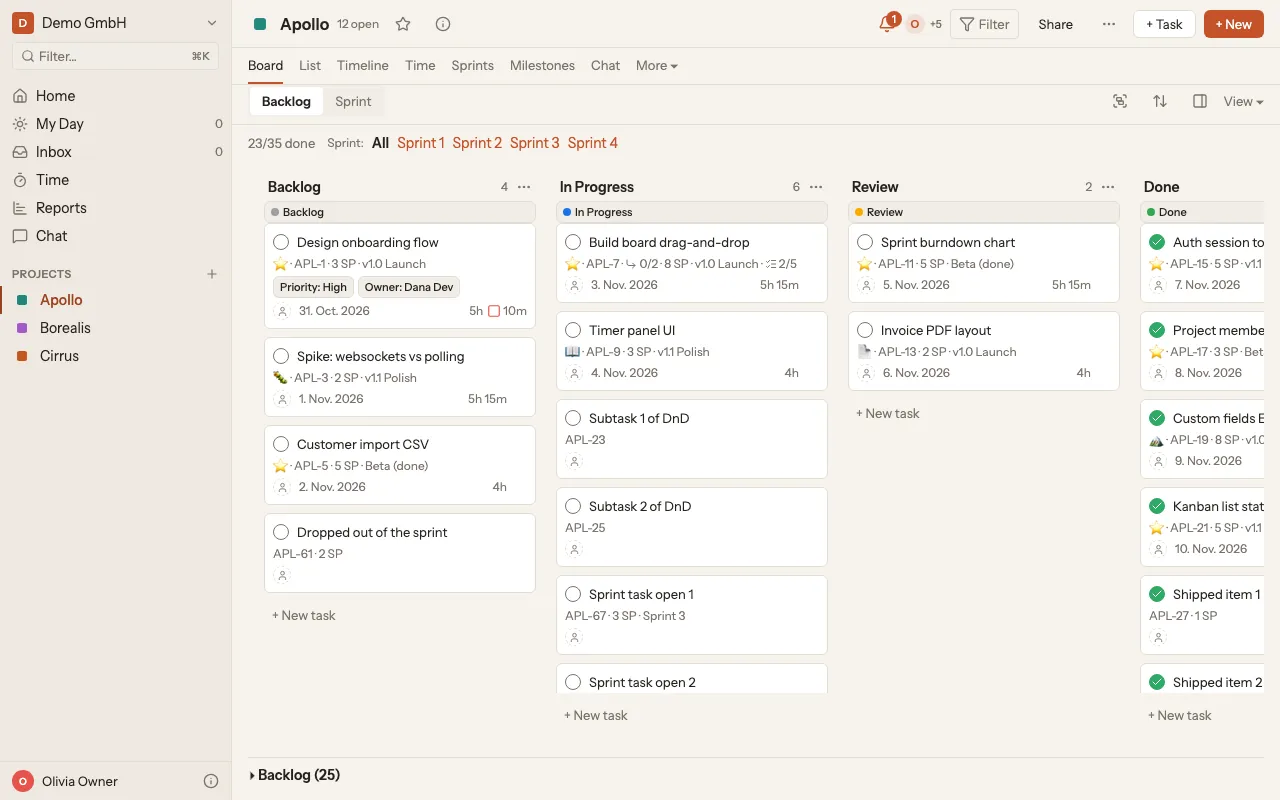
You add tasks inside a project, either straight into a list on the board or through a small window.
On the board
Section titled “On the board”- Open the project in the sidebar under Projects.
- Click + New task below the list you want.
- Type the title and press Enter. The task shows up as a ticket in the list.
With the new task window
Section titled “With the new task window”- In the project, click + Task at the top right.
- Type the title.
- Below the title you see which project and list the task goes into. Click it to change them under Project and List.
- Click Create.