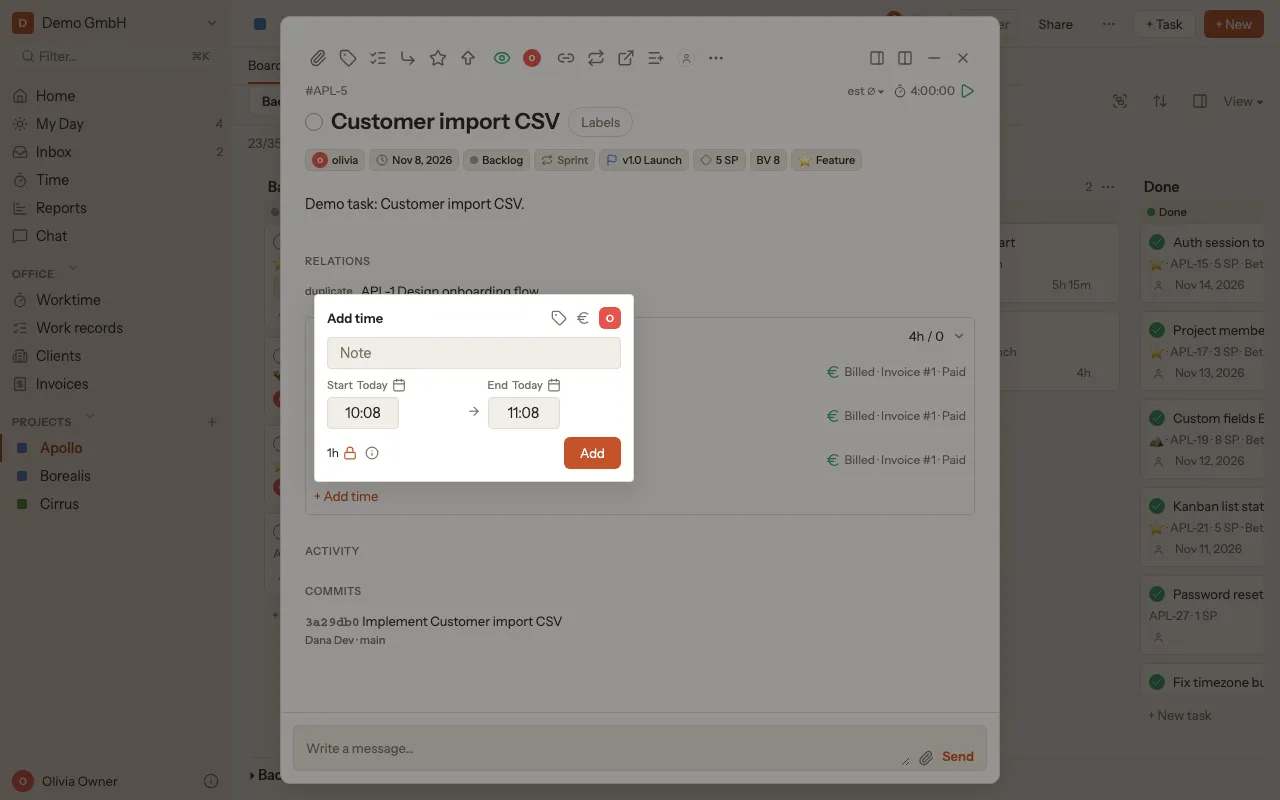
Track time
You always track time on a task: live with the timer, or afterwards by hand.
With the timer
Section titled “With the timer”- Open the task by clicking its ticket.
- Click the play button Start timer at the top of the task.
- Pause timer stops it for a moment, Resume timer carries on.
- When you are done, click Stop timer. The time then shows under Tracked Time.
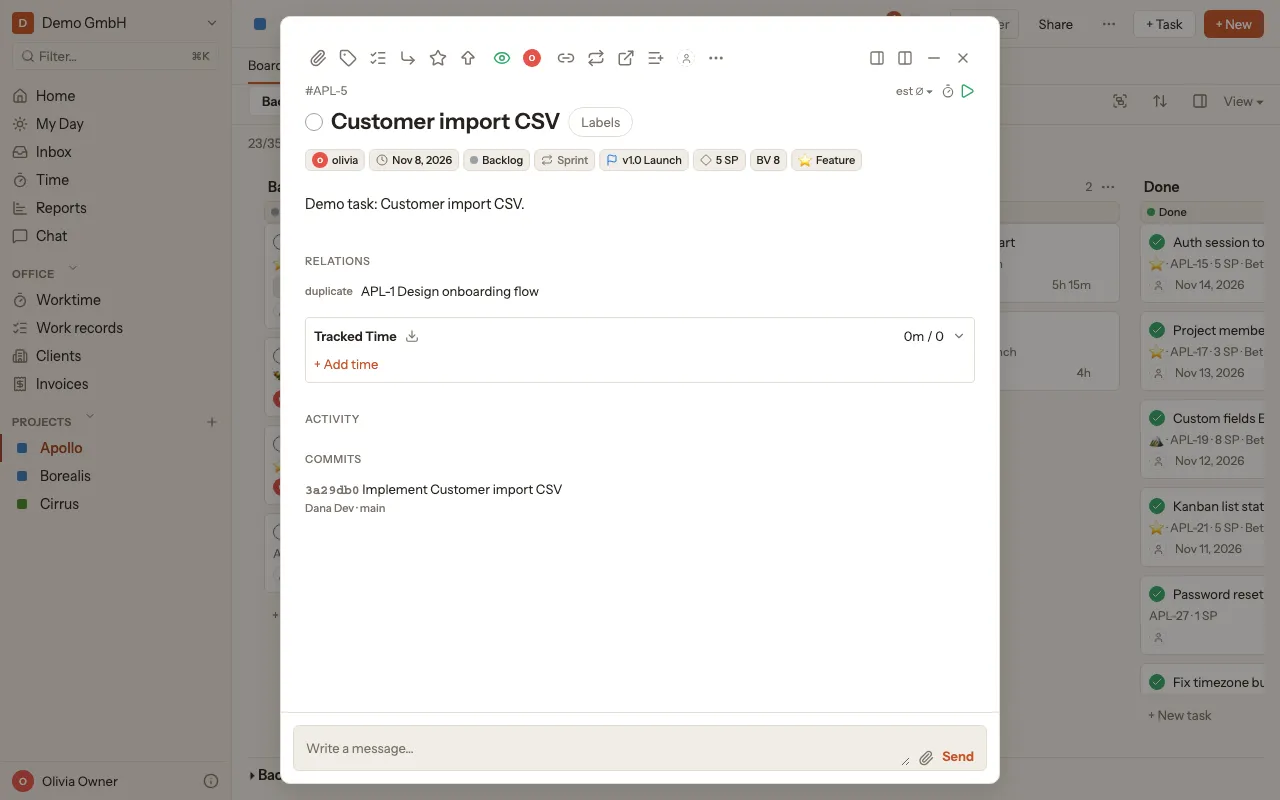
On the board you don’t even need to open the task: hover over the ticket and click Start timer.
Add time afterwards
Section titled “Add time afterwards”- Open the task and scroll to Tracked Time.
- Click + Add time.
- Enter Start and End with date and time. If you like, add a Note. The € icon (Billable) marks the time for billing.
- Click Add.