Contact support
If you are stuck, write to us. You can use the chat or email.
Chat from kora
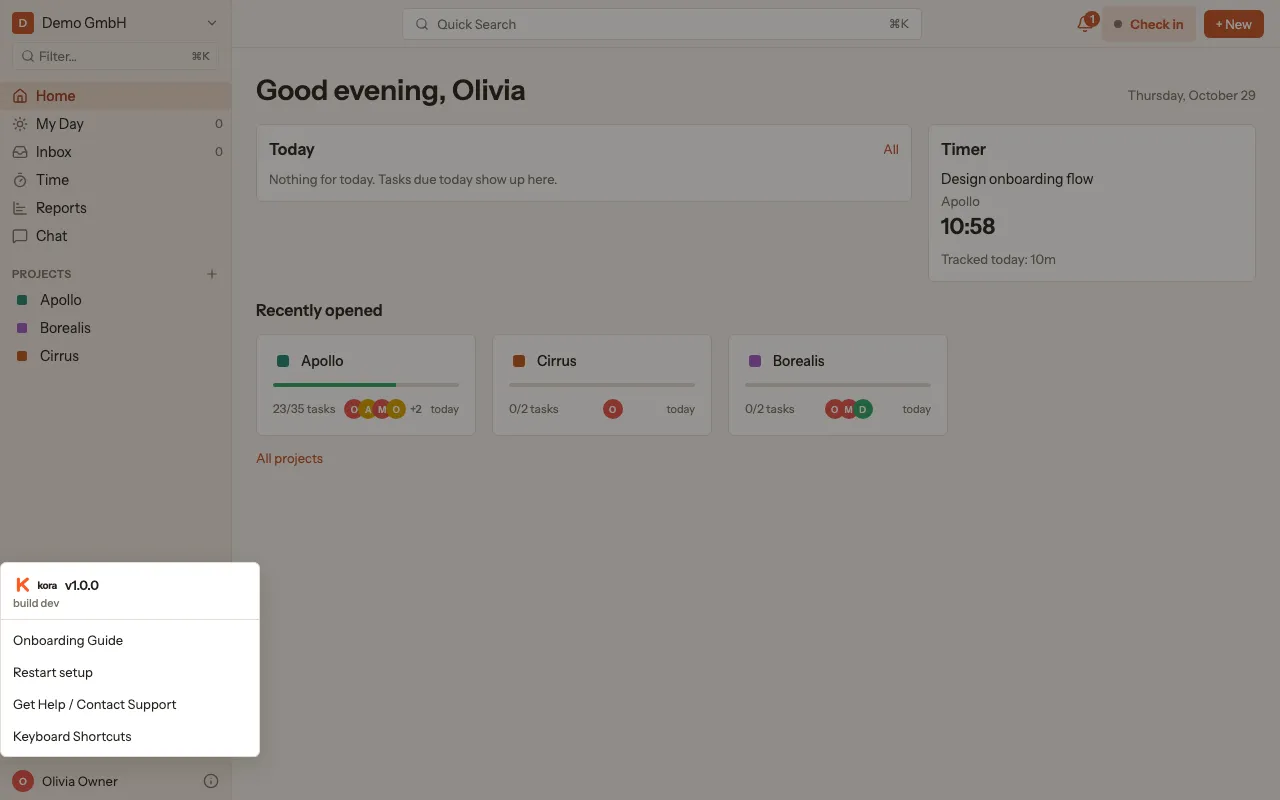
Section titled “Chat from kora”- At the bottom left of the sidebar, click the info icon next to your name (Help).
- Choose Get Help / Contact Support.
- The chat opens. Your name and email address are already filled in.
Chat without signing in
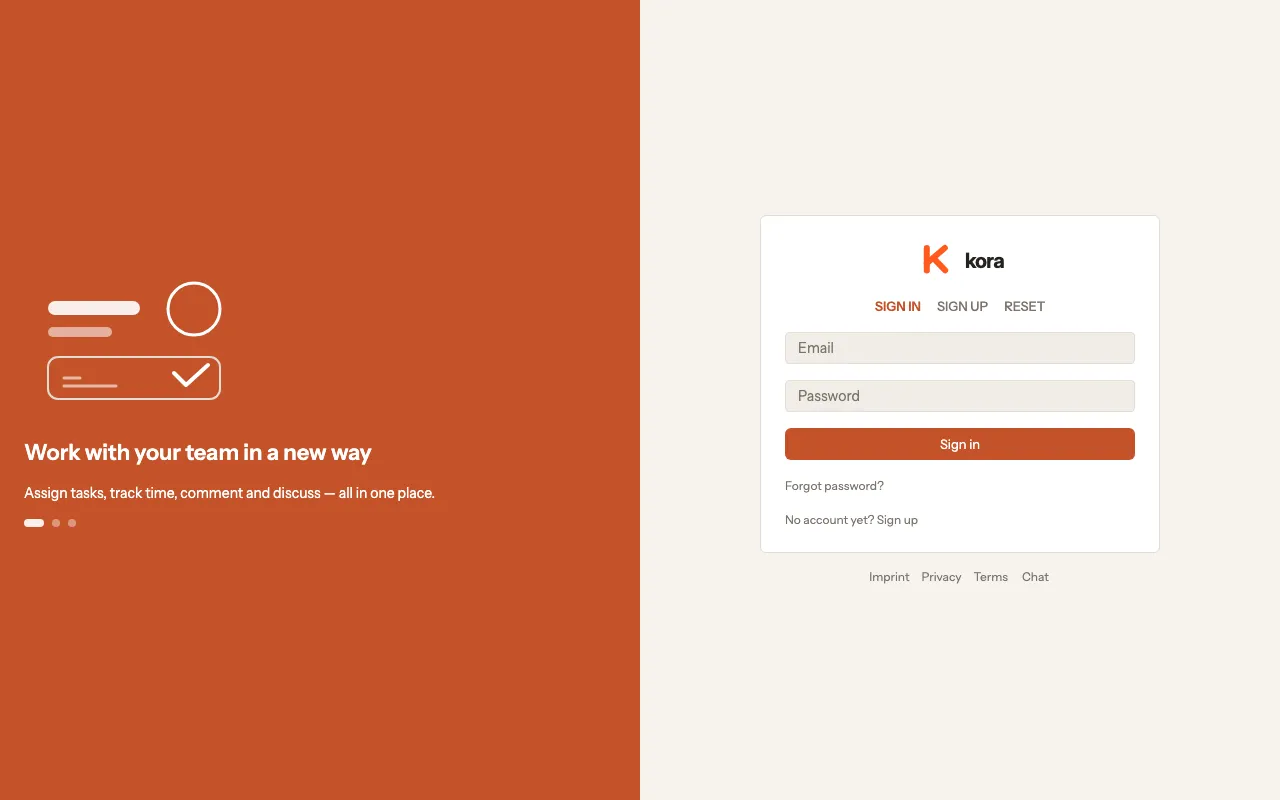
Section titled “Chat without signing in”If you can’t get into your account, you can reach us from the sign-in page as well:
- At the bottom of the sign-in page, click Chat.
- Enter your Name and Email and click Start chat.
You can also reach us at info@ko-ra.pm. If the chat is ever unavailable, kora opens an email to this address instead.