Add a client
Every invoice goes to a client, so you add the client before you create your first invoice.
Before you start
Section titled “Before you start”- You are an Owner or Admin of the organization. Only they can add and edit clients.
Add a client
Section titled “Add a client”- Click your organization’s name at the top left of the sidebar.
- Choose Clients.
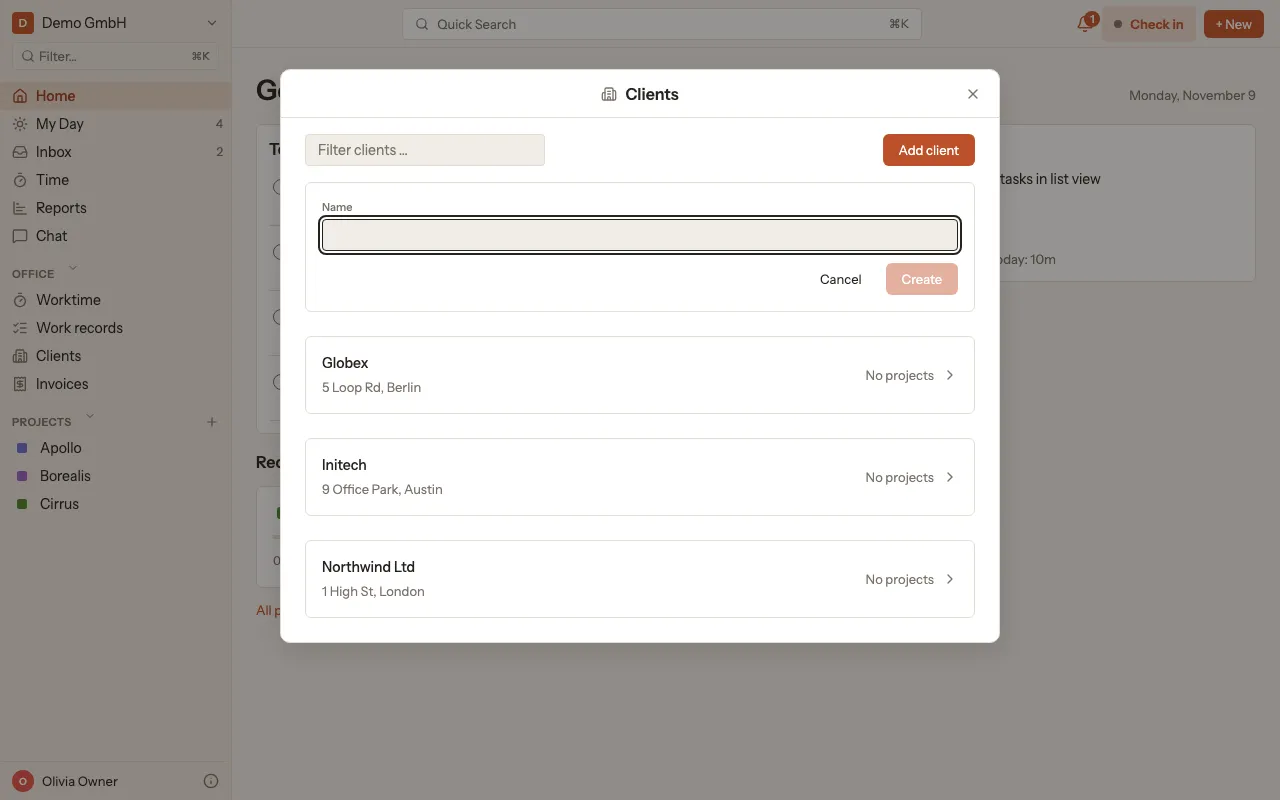
- Click Add client.
- Enter the Name and click Create.
Add invoice details
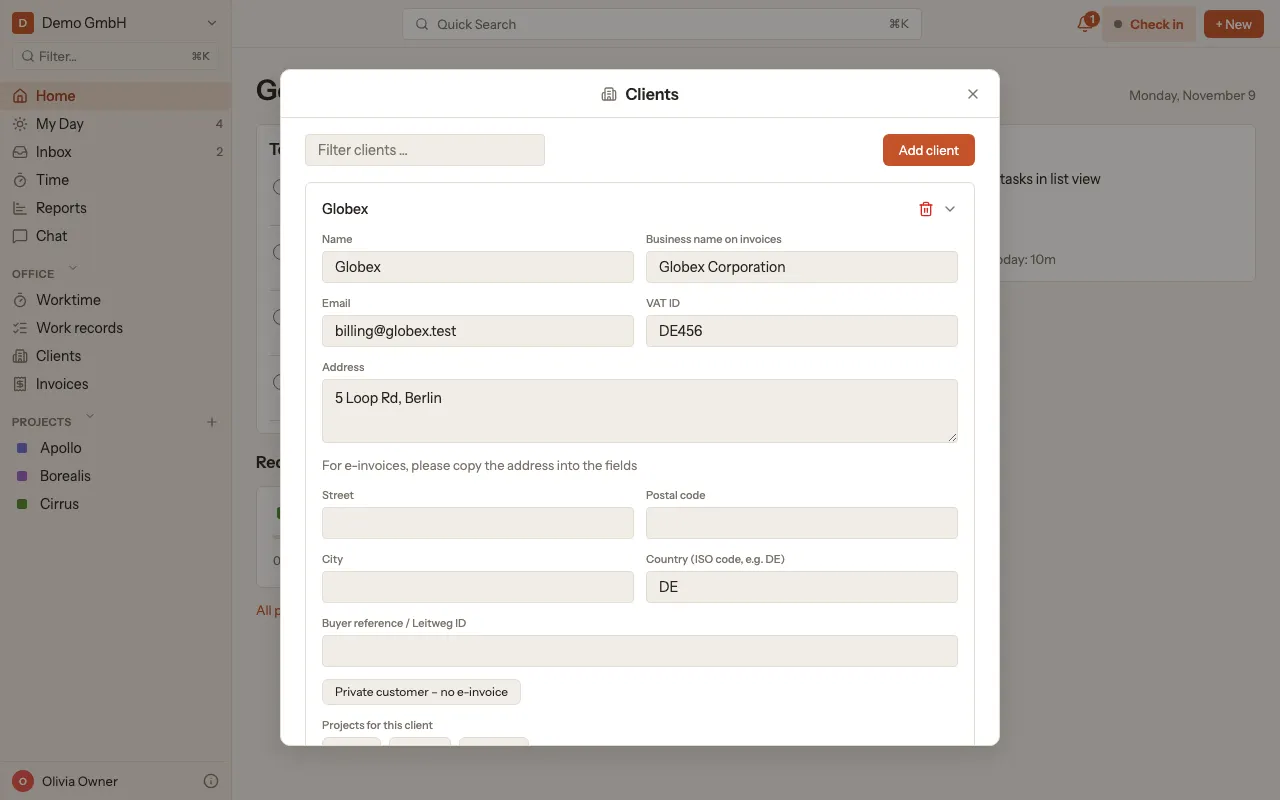
Section titled “Add invoice details”Click a client in the list to expand it. There you enter what should appear on the invoice:
- Business name on invoices
- VAT ID
- Street, Postal code, City and Country (as an ISO code, e.g. DE)
- Buyer reference / Leitweg ID (optional)
- Private customer (no e-invoice): turn it on if the client is a private person.
kora saves each field as soon as you leave it.
An older address that was entered as free text stays visible with a hint until you fill in the fields. E-invoices need the separate fields and an email. More: E-invoices.
Under Projects for this client, click the projects that belong to this client.