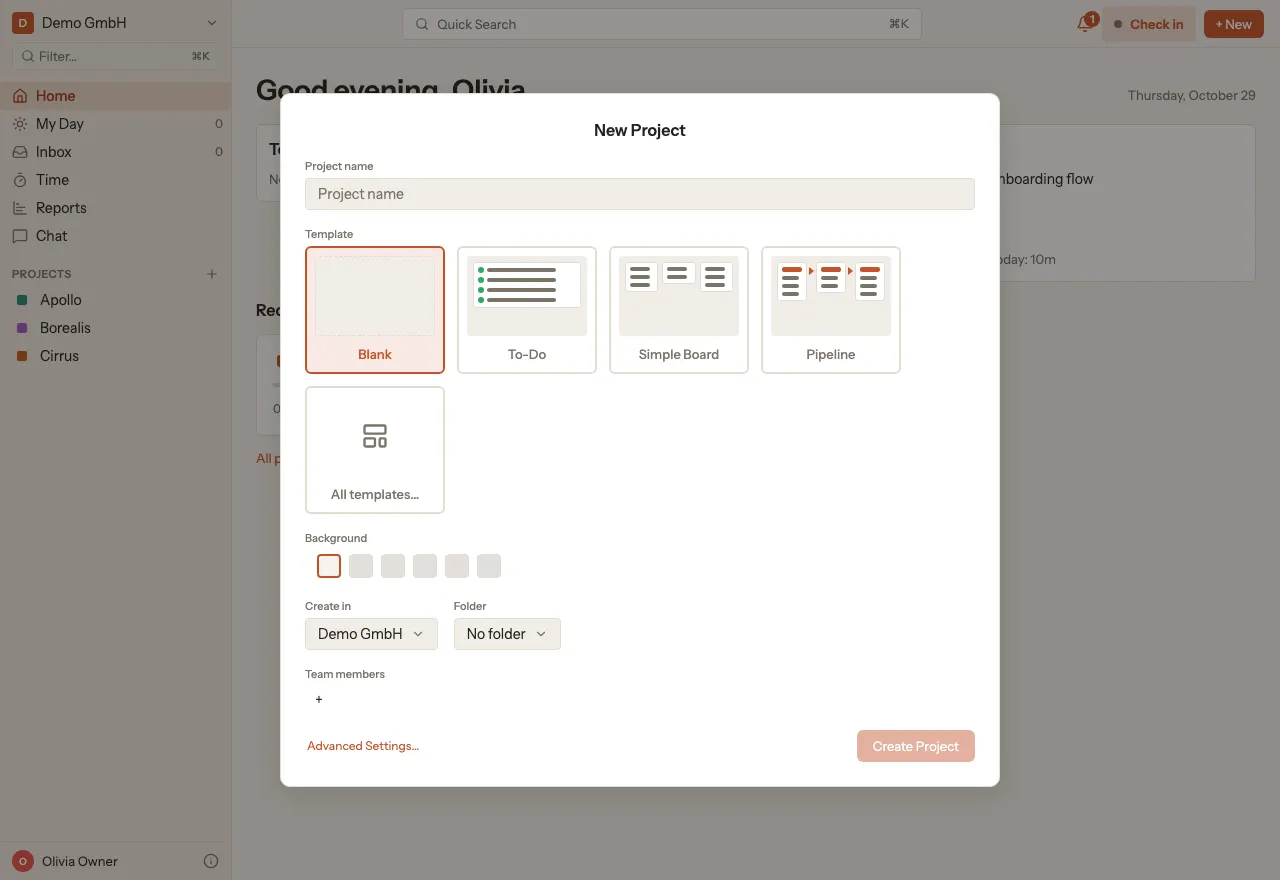
Create a project
A project collects the tasks for one piece of work, such as a client job or an internal topic.
Create a project
Section titled “Create a project”- Click + New at the top right.
- Choose Create project, then Blank project. From template takes you straight to all templates.
- Enter a Project name.
- Under Template, pick a layout: Blank, To-Do, Simple Board or Pipeline. You will find more under All templates.
- Under Create in, choose the organization the project belongs to.
- Click Create Project. kora opens the new project.