Delete your account
You can delete your account yourself at any time. It happens right away and cannot be undone.
What happens when you delete it
Section titled “What happens when you delete it”- Your Personal workspace and every organization in which you are the only member are deleted with all their content.
- Issued invoices of these organizations are deleted as well, though you are required to keep them. Export them first: click the organization’s name at the top left and choose Export projects. The archive contains every issued invoice as a list and, where available, as PDF and XML.
- Running subscriptions are cancelled right away, without a pro-rata refund.
- In organizations with other members, your contributions stay. They then show as “Former user”.
Before you start
Section titled “Before you start”- If you own an organization that has other members, hand it over to a member or delete it first. If you try anyway, kora lists these organizations with the buttons Transfer ownership and Delete organization.
Delete your account
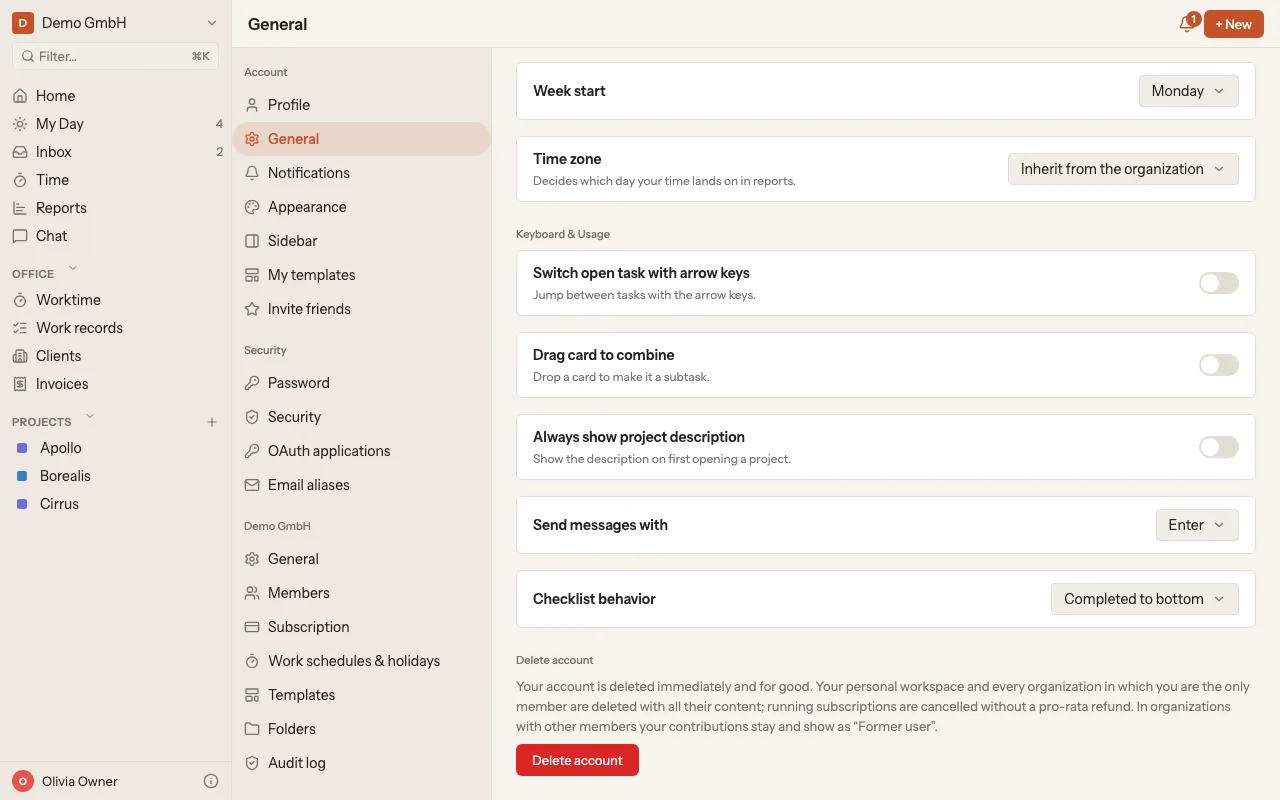
Section titled “Delete your account”- Click your name at the bottom left of the sidebar.
- Choose Settings and then General.
- Scroll all the way down to Delete account and click the Delete account button.
- Enter your password to confirm and click Delete account. If you sign in without a password, for example with Google, enter your email address instead.
You then land on the sign-in page.