From Trello to kora
Your Trello board becomes a kora project: you export the board as JSON and paste it into kora. This works in every plan, Free included.
- In Trello: board menu → More → Print and export → Export as JSON.
- In kora, open the project, Settings → Import.
- Paste the export text and start the import.
What carries over: the open lists, cards with title, description and due date; archived cards are left out.
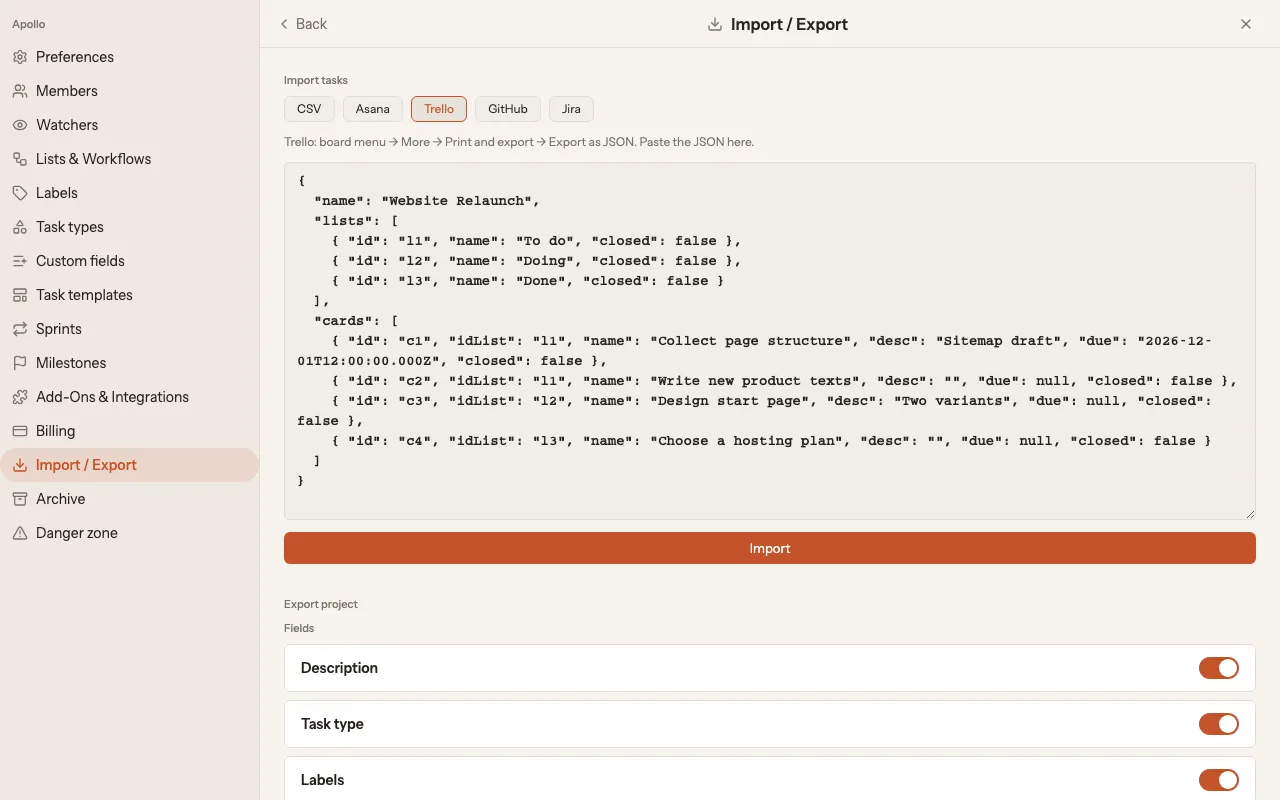
Then check the project on the board. More about importing is in the help: Import projects.
Other sources (Asana, GitHub, Jira, CSV) are on the moving overview.
Legal terms and contract language: German.